ILLUSTRATED GUIDE
Turn a post into a Story
Turn one square announcement into a vertical Story. Adjust the Story separately, then download all four sizes together.
Open the post exampleUse the example alongside this guide. No signup needed; your images stay on your device.
-
Start with the square post and its background
Open the post example, then open Photo and click Try an example. This adds the illustrated landscape used throughout this guide. You can use Choose a photo for your own image later.
In the editor 
Your result 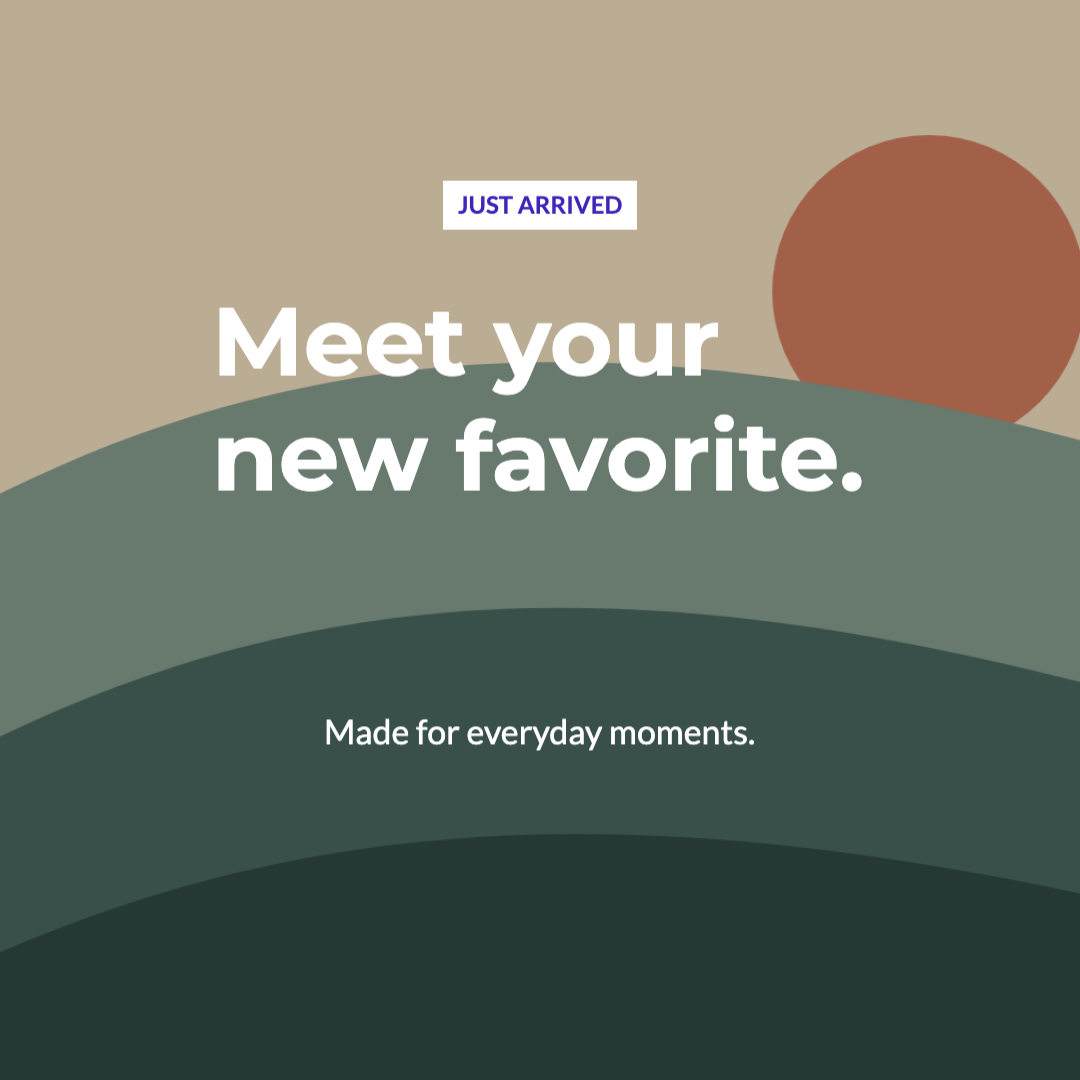
Check before moving on The post is still square. Adding an image does not turn it into a Story yet.
Next step -
Check the words before making other sizes
Open Text and review Headline, Supporting text and Additional text in turn. Keep the example words to follow along, or edit each block here. Use Save project to keep the original post in this browser.
In the editor 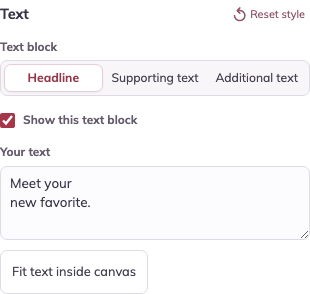
Your result 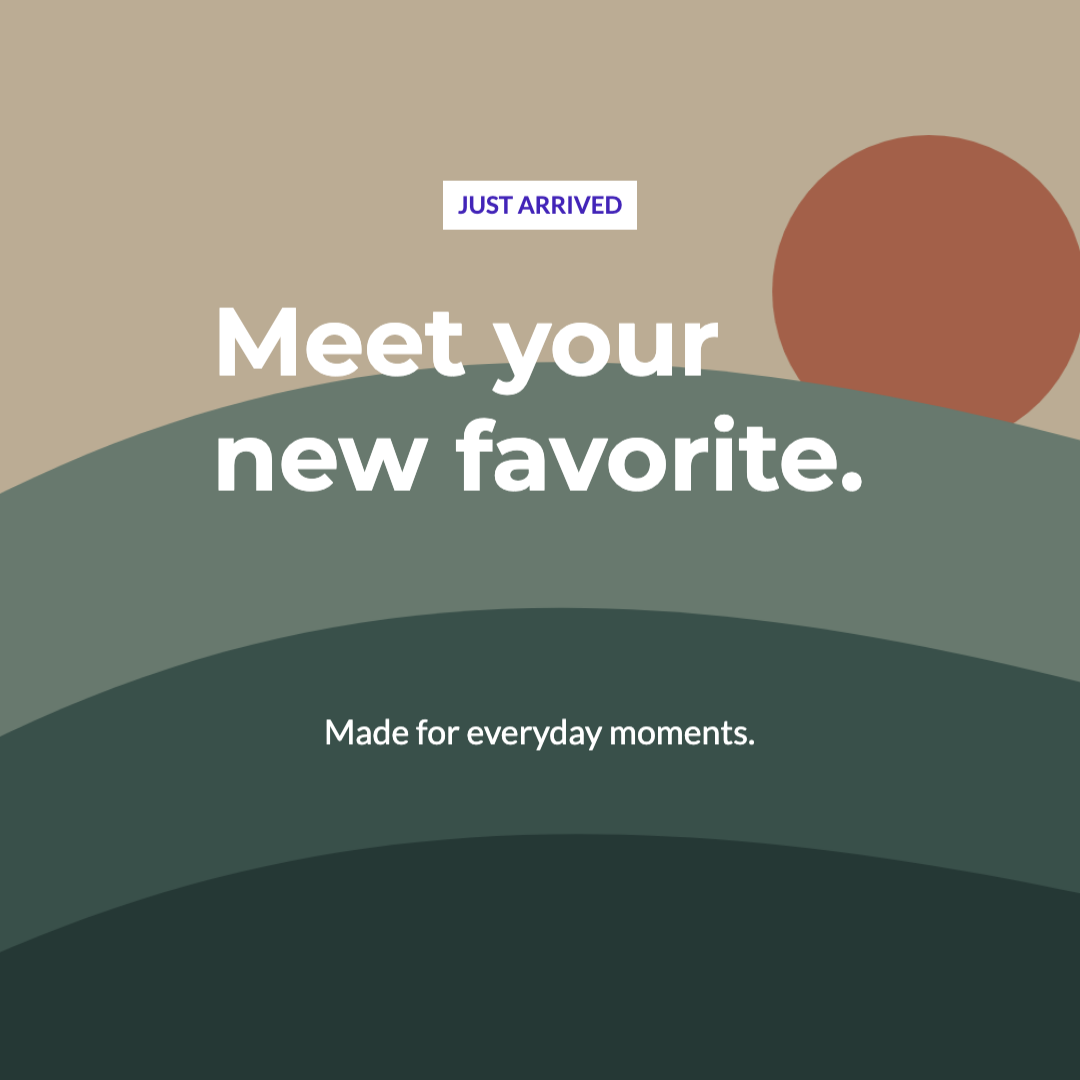
Check before moving on The square post is your starting design. The example headline is “Meet your new favorite.”
Next step -
Open the Story version
Choose Export multiple formats above the editor. In One design, four formats, select Story / vertical cover. Check that the preview dimensions are 1080 × 1920 before adjusting it.
In the editor 
Your result 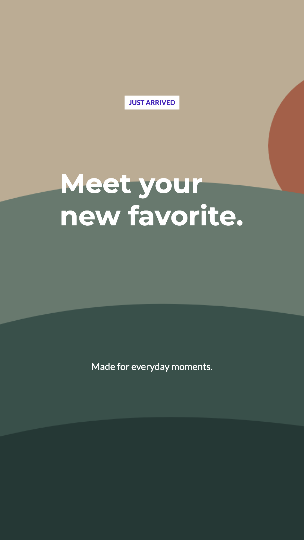
Check before moving on The preview is now vertical. The square original remains in the main editor.
Next step -
Reposition the text and photo for the taller shape
Choose Headline in Text block. Try Y = 42% and Font size = 90 px for this example. X moves text across; Y moves it up or down; Text width changes wrapping. Check Supporting text and Additional text separately. With a photo, use Image horizontal position and Image vertical position to refine its crop.
In the editor 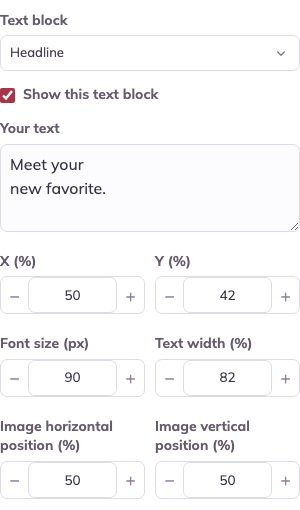
Your result 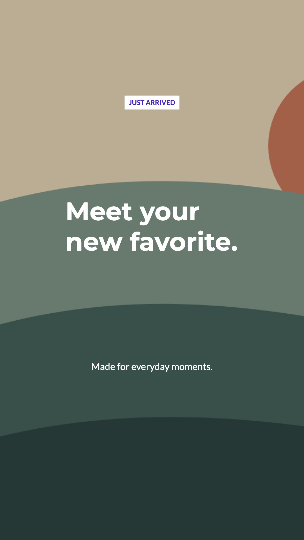
Check before moving on Keep the message away from the top and bottom edges, and leave space between text blocks.
Next step -
Review the other sizes and download
Visit Square post, Portrait post and YouTube thumbnail to check each version. Then choose Download four formats · ZIP and extract the files. Use the vertical-story-1080x1920.png image for your Story and check its placement in the destination app before posting.
In the editor 
Your result 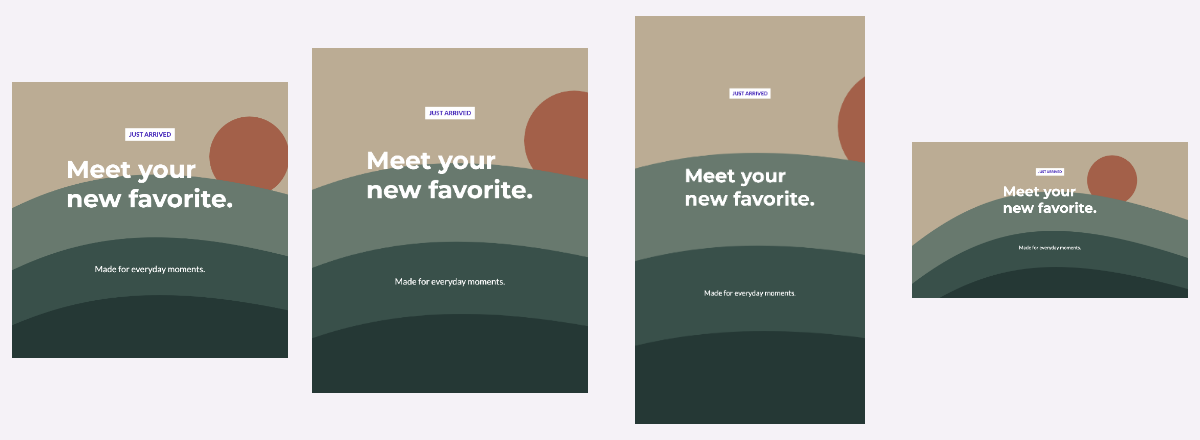
Check before moving on Changes in this dialog belong to the export set. Download it before changing the original design.
Make it your own
Repeat the steps with your own message. Keep the exported images, and save an editable project in this browser if you want to return to it.
Open the post exampleWas this guide useful?