MAKE IT PERSONAL
Printable certificate maker
Make the moment personal. Create a matching certificate for every name on your list.
Free · No account needed · Saved on your device
Your preview
Preparing preview…
PDF pages contain rendered images. Print at Actual size / 100% on matching paper. Up to 40 pages per export.
PNG downloads the displayed sheet at the selected resolution.
1200 ppi is the default for crisp lettering and fine lines. Choose a lower resolution for smaller files. Photo detail depends on the original image.
Did this tool help you?
From preview to finished project
- Add your content and choose a layout. Review every page, especially long names and captions.
- Download the PDF and select the matching paper size. Print one test page at 100% before printing the set.
- Save a project or download a backup to reuse the design. Clearing browser storage removes local projects.
Features, sizes and downloads
What can I customize, and what are the limits?
Make one page per recipient with ten visual styles and centered, formal or modern compositions. Set heading and body fonts separately, add an organization, date, two signatories and a star, rosette, laurel, trophy or uploaded mark. Mark size ranges from 8–40 mm.
Which sizes and file formats can I download?
Available paper sizes are A3 (297 × 420 mm), A4 (210 × 297 mm), A5 (148 × 210 mm), A6 (105 × 148 mm), US Letter (8.5 × 11 in), Legal (8.5 × 14 in) and Tabloid (11 × 17 in), with portrait or landscape orientation.
Export PDF pages or the displayed sheet as PNG at 150, 300, 600 or 1200 ppi. PDFs contain rendered images and preserve physical page dimensions. Layouts support up to 40 pages; item size, margins and two-sided layouts determine how many entries fit. Print at Actual size / 100%.
Photo fields accept JPEG, PNG or WebP up to 12 MB each. Combined project images must stay within 24 MB and 40 million source pixels. Your photos and saved projects stay in the browser.
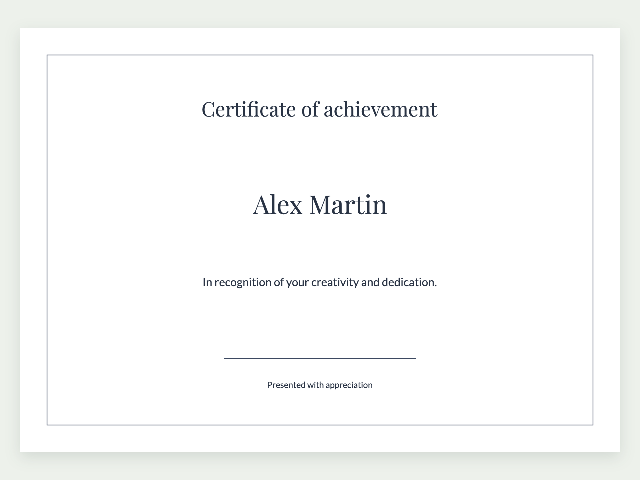
Example made with this tool
Questions about your printable
Can I add a logo or award icon to my certificates?
Choose a star, rosette, laurel or trophy, or upload your own PNG, JPEG or WebP mark. Centered, formal and modern compositions place the mark within the design. Heading and body fonts can be chosen separately.
Can I make a certificate for each recipient at once?
Enter the recipients and set a shared award title and message, with optional organization, date and two signatories. Each name gets its own page. Preview every certificate and export up to 40 pages per PDF.