ILLUSTRATED GUIDE
Design a readable cover
Make a cover that still reads at thumbnail size. This example uses a landscape title and shows how a text background improves contrast.
Open the cover exampleUse the example alongside this guide. No signup needed; your images stay on your device.
-
Choose the cover format
Open the example with Design type set to Cover / thumbnail and Format set to YouTube thumbnail (1280 × 720). Keep these settings to follow the images. For a vertical cover, choose Story / vertical cover before editing.
In the editor 
Your result 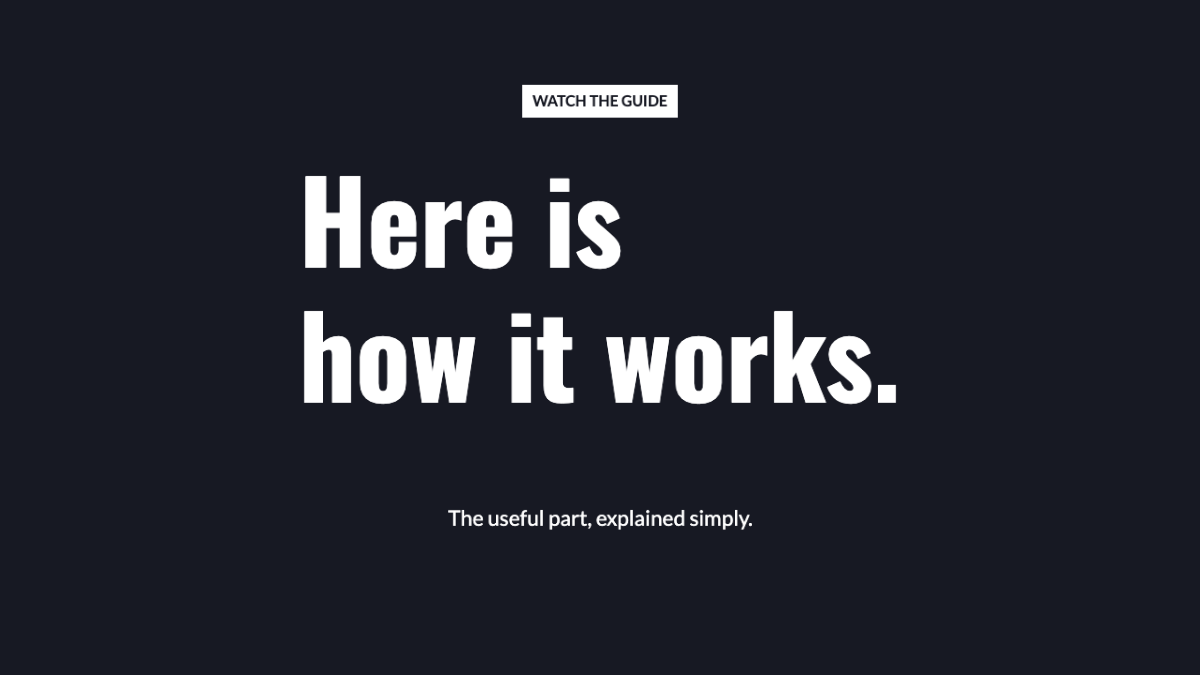
Check before moving on Choose the final shape before positioning the title. A solid background also works.
Next step -
Add the example background
Open Photo and click Try an example to add the illustrated landscape shown here. Choose a photo lets you use your own image instead. Keep the example for now so you can compare each result with the guide.
In the editor 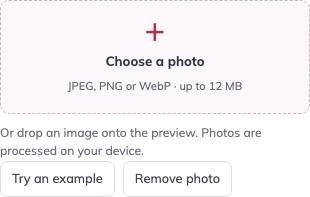
Your result 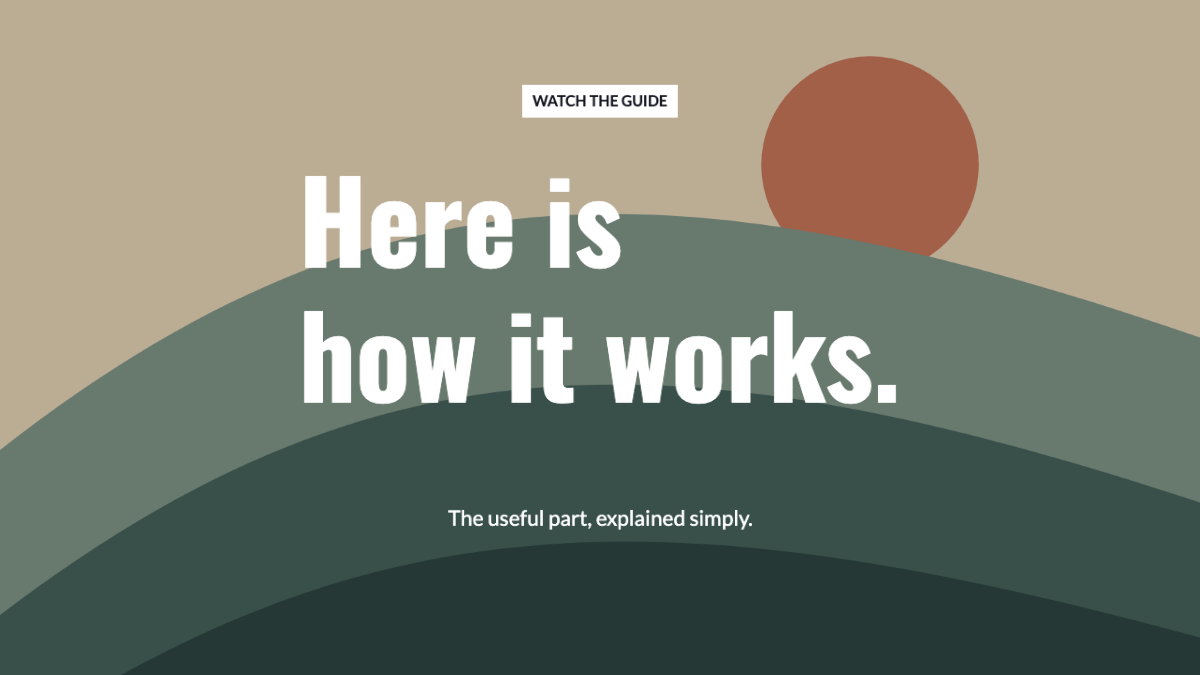
Check before moving on The landscape appears behind the text. The title will become easier to read after the contrast step.
Next step -
Make the headline do the work
In Text → Headline, enter “A CALMER MORNING” on two lines. Set Supporting text to “Two habits. One easier start.” Keep the headline larger than the supporting text. If the editor reports overflow, use Fit text inside canvas.
In the editor 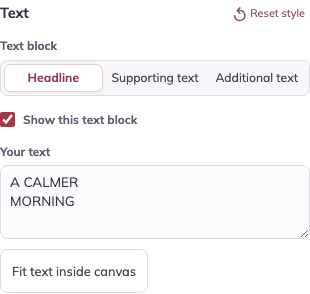
Your result 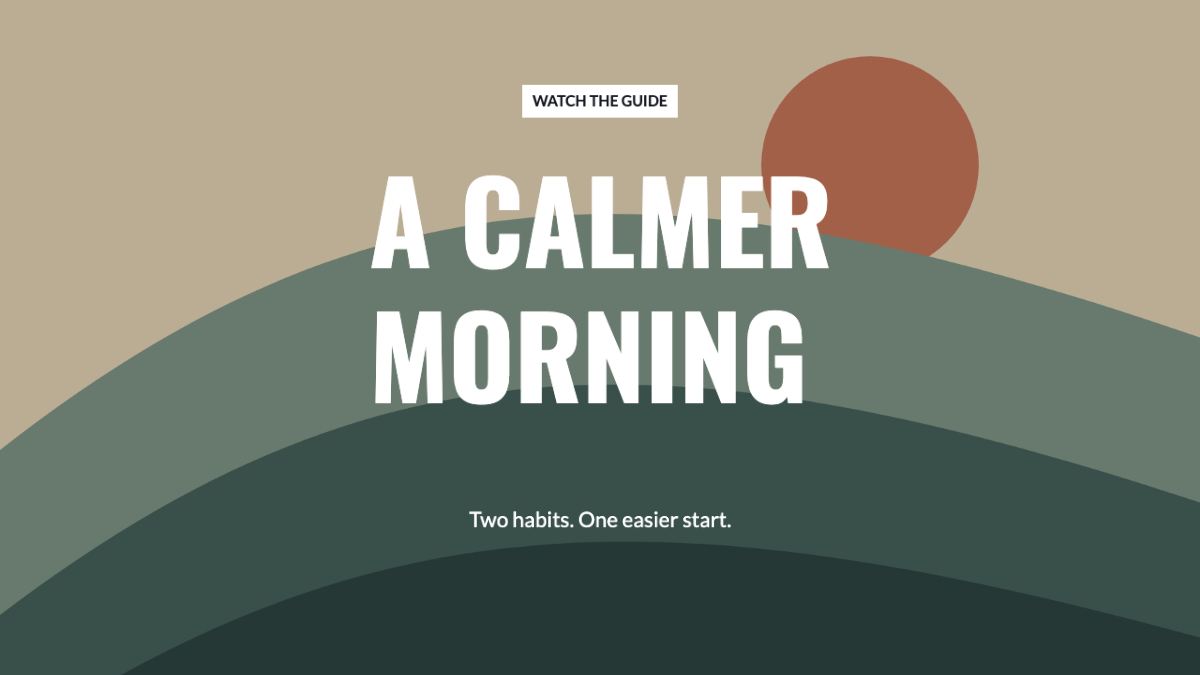
Check before moving on The main idea is readable before the smaller supporting line.
Next step -
Give the letters a clear background
With Headline selected, open Effects & background. Check Show text background, choose a dark Panel color and set Panel opacity to 90%. If a photo subject is covered, use Size → Image horizontal position / Image vertical position to adjust the crop.
In the editor 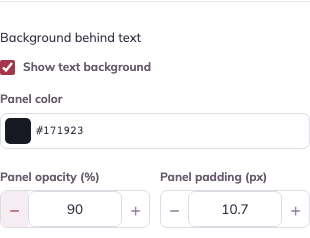
Your result 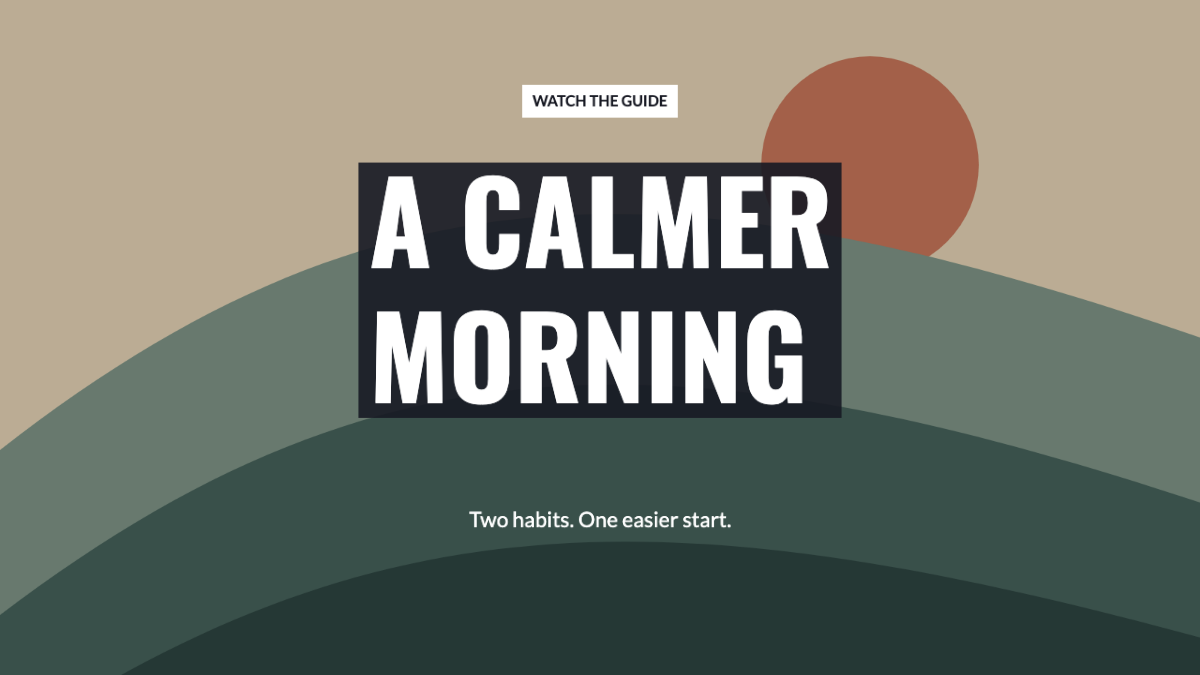
Check before moving on The panel separates the white letters from the image. Check that it does not hide anything essential.
Next step -
Check the small preview, then export
Look at the small cover preview beneath the main design. If the title is hard to read there, shorten it or increase Font size in Text. Choose PNG and Download image. Check the downloaded file in the destination app’s cover preview.
In the editor 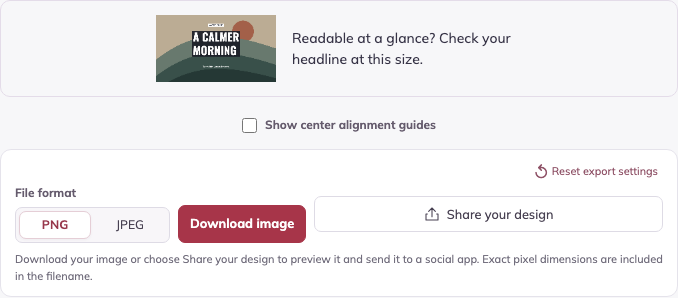
Your result 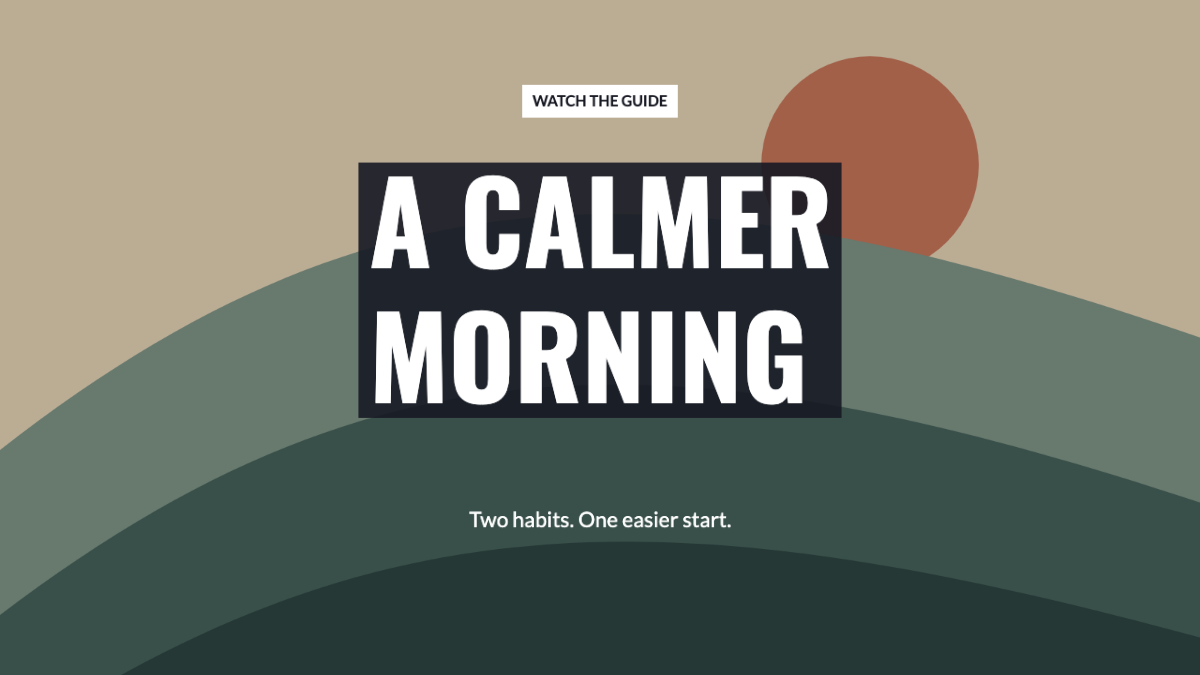
Check before moving on Read the headline at a glance. Check the app’s crop before using the cover.
Make it your own
Repeat the steps with your own message. Keep the exported images, and save an editable project in this browser if you want to return to it.
Open the cover exampleWas this guide useful?