Colors & palettes
One color, every format
Paste a HEX, RGB or HSL value. Fine-tune the channels and copy the format your next project needs.
Free · No account needed · Saved on your device
Your result
Only on this deviceKeep creating
Use this result as the starting point for a design.
Did this tool help you?
Features and uses
Convert colors between HEX, RGB and HSL. Select a color visually, paste a value, or adjust red, green, blue and opacity. Copy each format separately or download a PNG color reference.
HEX writes color channels as hexadecimal numbers. RGB uses red, green and blue channels; HSL uses hue, saturation and lightness. Alpha describes opacity: 0 is transparent and 1 is opaque. Alpha is kept when you change the color with the picker.
Formats, options and limits
Color fields accept 3-, 4-, 6- or 8-digit HEX with or without the # sign, RGB/RGBA and HSL/HSLA notation. Alpha values control transparency. Use the visual picker for quick changes or type a value for precise control.
- Adjust red, green and blue channels from 0–255 and opacity from 0–100%. Copy HEX, RGB or HSL separately, or copy all three values together. The screen eyedropper appears when your browser supports it; the regular color picker is also available.
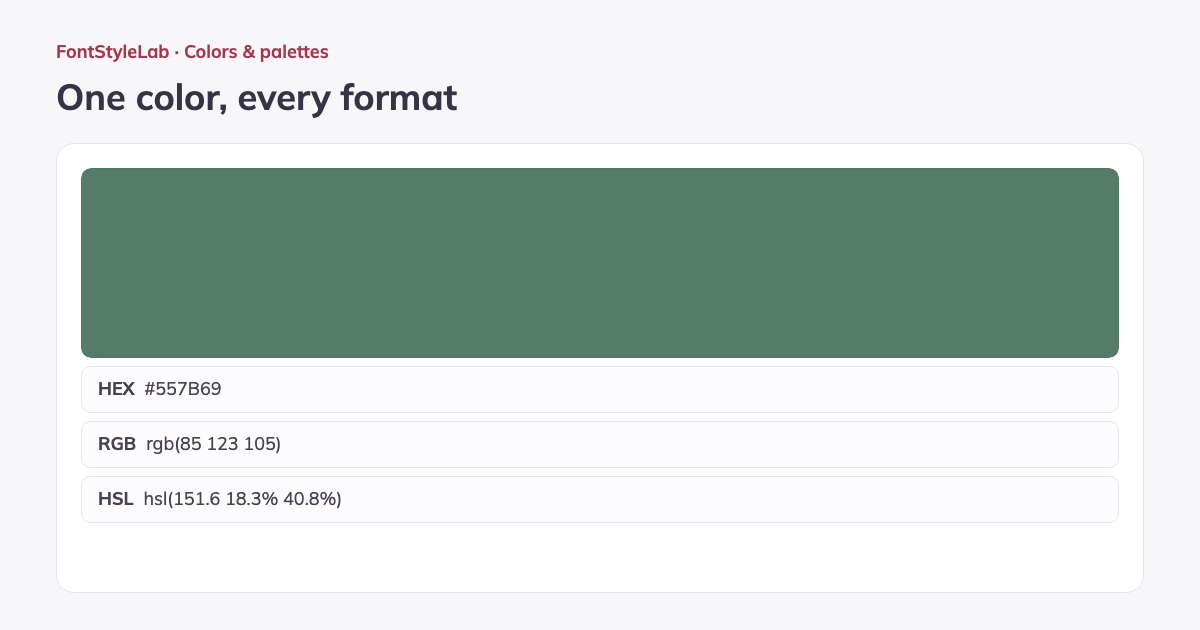
- Download a 1200 × 630 px PNG reference showing the color and its HEX, RGB and HSL values. A checkerboard preview makes transparency visible. Use the values in CSS, design apps or shared color specifications; this tool converts sRGB colors, not CMYK or print spot colors.
Work without an account: text and photos are processed in your browser. Save a project on this device or download a backup to reopen it later.
Good to know
Accepts 3, 4, 6 or 8-digit HEX and RGB/HSL functions, including alpha. RGB channels range from 0 to 255; saturation, lightness and opacity use percentages. Values describe sRGB colors.
Example made with this tool