Colors & palettes
Give your next design a gradient
Blend a few colors into a finished background. Adjust the stops and export at the size you need.
Free · No account needed · Saved on your device
Your result
Only on this deviceDid this tool help you?
Features and uses
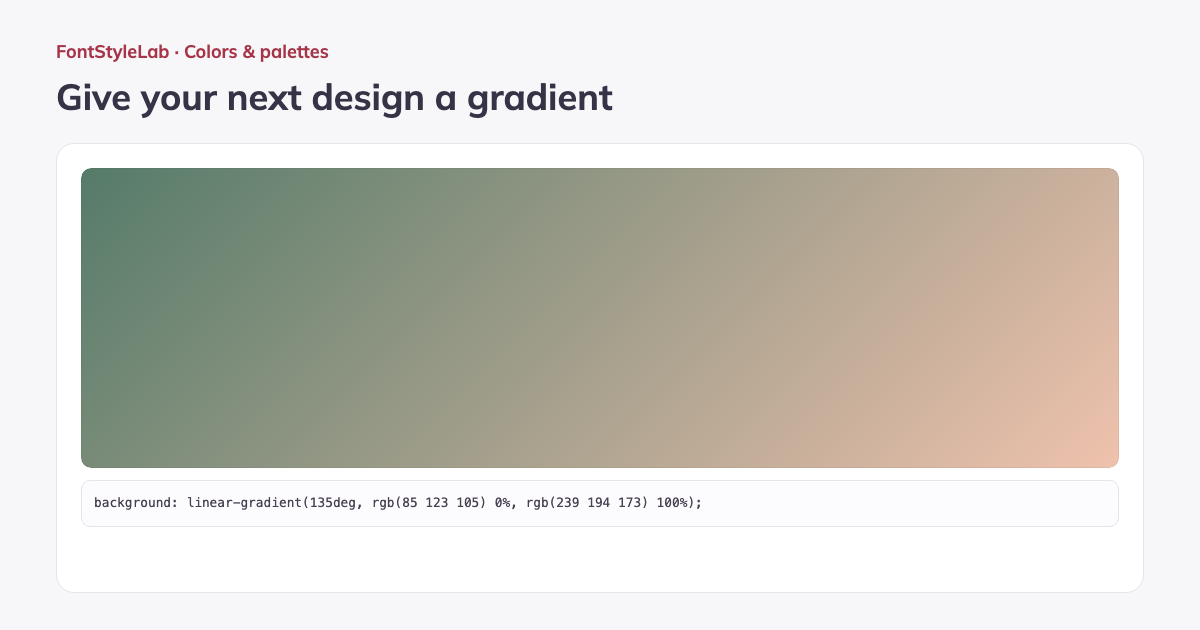
Create linear or radial gradient backgrounds with 2–8 editable color stops. A stop sets the color at a percentage along the blend. Adjust its position, use transparency, change the angle or move the radial center.
Choose square, portrait, story, link-preview, Full HD or 4K dimensions, or enter a custom size. Copy CSS, download an exact-size PNG, or export an SVG that scales without losing sharpness.
Formats, options and limits
Color fields accept 3-, 4-, 6- or 8-digit HEX with or without the # sign, RGB/RGBA and HSL/HSLA notation. Alpha values control transparency. Use the visual picker for quick changes or type a value for precise control.
- Set each color stop from 0–100%, choose a linear angle from 0–360 degrees, or position the radial center from 0–100% on each axis. Dawn, Sea glass and Night sky examples provide editable starting points for website backgrounds, slides and social graphics.
- Set PNG width and height independently from 64 to 4096 pixels, or choose one of the presets below. SVG starts with the same dimensions and remains scalable. Copied CSS describes the gradient without imposing a fixed pixel size.
| Image size | Width × height (px) |
|---|---|
| Wide | 1600 × 900 |
| Full HD | 1920 × 1080 |
| 4K | 3840 × 2160 |
| Square | 1080 × 1080 |
| Portrait | 1080 × 1350 |
| Story | 1080 × 1920 |
| Link preview | 1200 × 630 |
Work without an account: text and photos are processed in your browser. Save a project on this device or download a backup to reopen it later.
Good to know
PNG uses the exact pixel dimensions you choose, up to 4096 × 4096. SVG scales without losing sharpness. Transparent stops remain transparent in downloaded images.
Example made with this tool