Text & web tools
Give your words a different character
Explore copy-and-paste Unicode styles and simple decorations for short messages and profiles.
Free · No account needed · Saved on your device
Your result
Only on this deviceKeep creating
Use this result as the starting point for a design.
Did this tool help you?
Features and uses
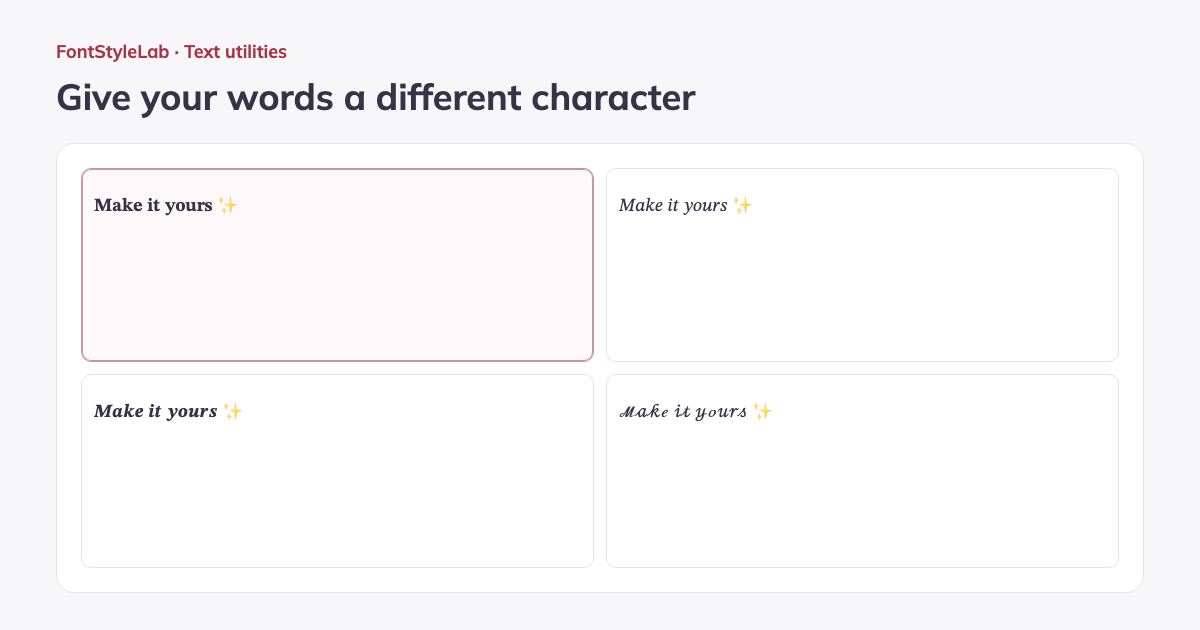
Choose from ten Unicode text styles: bold, italic, bold italic, script, double struck, fraktur, bold sans serif, monospace, circled and full width. Preview them together and add stars, hearts or brackets.
Copy any individual style, select one for a TXT download, or use the result in a text design. The short example makes the differences visible immediately; accented letters and unsupported characters stay intact.
Formats, options and limits
- Enter up to 3,000 input characters for short bios, captions or decorative headings. Copy any of the ten styles individually, or select one to copy or download as UTF-8 TXT. Decorations surround the text; the result contains Unicode characters and does not install a font.
Input limits follow the browser’s character count; some emoji use more than one input character, even when they appear as one visible character in the result.
Work without an account: text and photos are processed in your browser. Save a project on this device or download a backup to reopen it later.
Good to know
These are Unicode character substitutions, not installed fonts. Most styles cover Latin A–Z and some digits; other characters stay unchanged. Appearance, searching and screen-reader pronunciation can vary. Keep important information in plain text.
Example made with this tool