Text & web tools
Put your text in the right case
Change capitalization in one step. Choose the language and keep control of acronyms and original wording.
Free · No account needed · Saved on your device
Your result
Only on this deviceKeep creating
Use this result as the starting point for a design.
Did this tool help you?
Features and uses
Convert text to uppercase, lowercase, title case, sentence case, inverted case or capitalize every word. Choose English, Spanish, Italian, French, German, Brazilian Portuguese or Turkish for language-aware capitalization, and optionally preserve acronyms in title case.
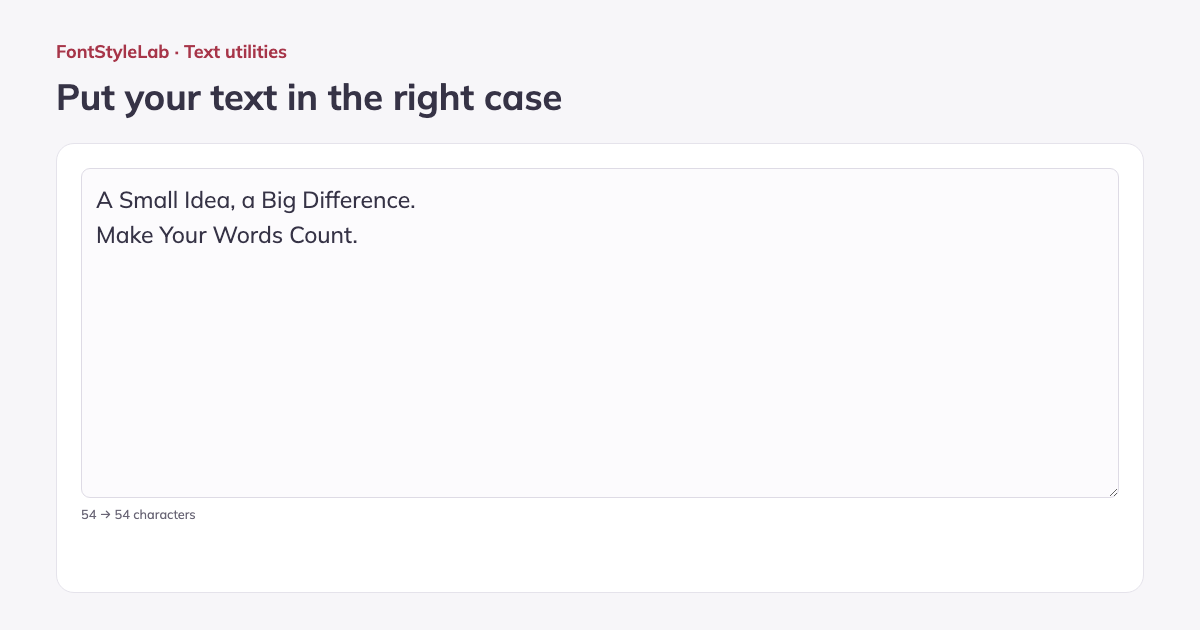
Compare your original with the converted result, see the character counts, copy the text or download a TXT file. Use the result as the starting point for a styled text image.
Formats, options and limits
- Paste up to 100,000 input characters to format headings, captions or lists. Line breaks and punctuation are retained. The acronym option preserves existing all-capital words in title case; Turkish casing handles dotted and dotless I. Copy the result or download UTF-8 TXT.
Input limits follow the browser’s character count; some emoji use more than one input character, even when they appear as one visible character in the result.
Work without an account: text and photos are processed in your browser. Save a project on this device or download a backup to reopen it later.
Good to know
Title case follows common small-word rules for the selected language. Names, brands and editorial styles still need a final review. Every Word capitalizes every word, including short words. Sentence case lowercases the remaining letters.
Example made with this tool